
How Device Sync Actually Works: Your Lovescape Companion and the Handy
How Handy sync works with your Lovescape AI companion: setup in two minutes, and why she drives the device, not a slider.

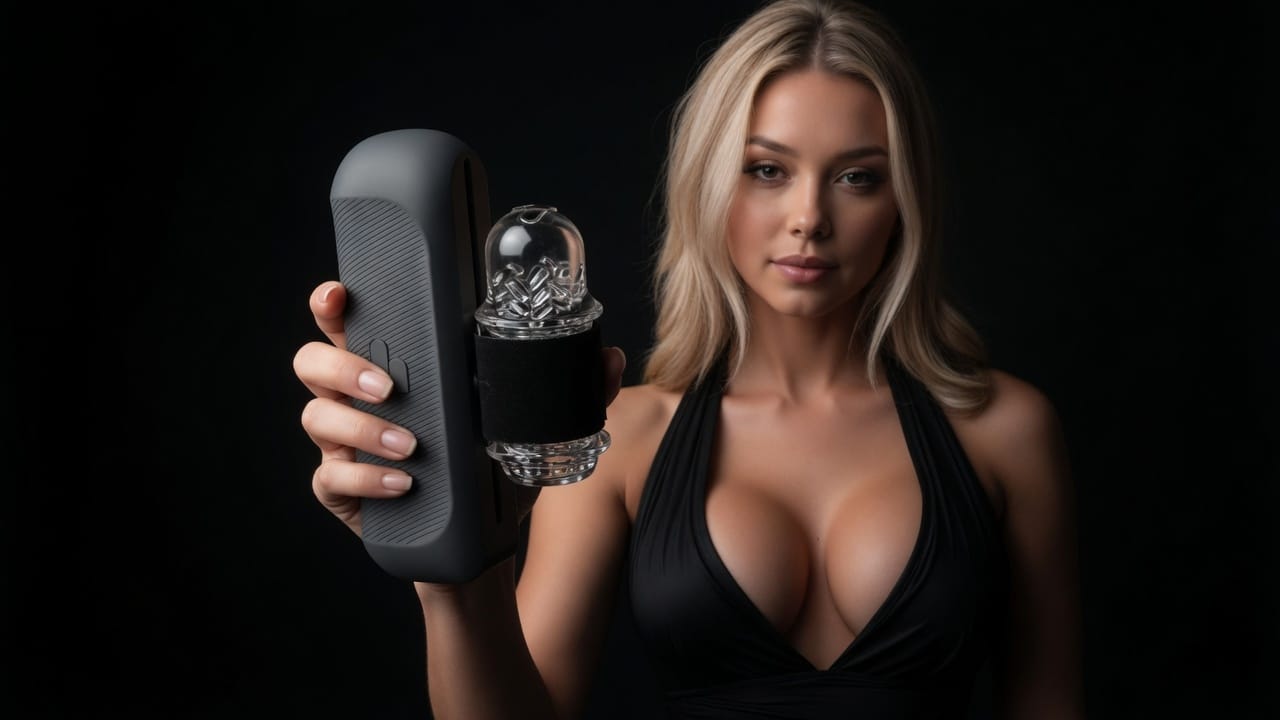
Most "interactive" adult tech works the same way: a slider on your screen, a motor on the other end, and you doing all the work of pretending the two are connected. Lovescape's native Handy sync inverts that. Your AI companion drives the device as part of the session itself: pace, intensity, and rhythm follow her, in the moment, with no manual control panel between you. It is the first native integration of its kind in the AI companion category, as covered by SexTechGuide, and this guide explains how to set it up and what "session-driven" actually means in practice.
What you need
- A Handy (the original or the new Handy 2), connected to wifi.
- Your Handy connection key. You'll find it in the Handy app or on handyfeeling.com under your device settings.
- A Lovescape account. Sync works with your existing characters; you don't need to create a new one.
That's the whole list. There is no separate plugin, no third-party script site, and no cable. The integration is native: Lovescape talks to the Handy directly over its wifi API.
Setup in two minutes
- Open Lovescape and go to your session settings.
- Choose Handy sync and enter your connection key.
- Confirm the pairing. The device gives a short confirmation response so you know the link is live.
- Start a session with your character. From here, the device is hers.
If the pairing fails, the cause is almost always one of two things: the Handy isn't on wifi (Bluetooth-only mode won't work, since the connection key system runs over the internet), or the key was retyped with a character wrong. Re-copy the key from the Handy app and try again.
"Session-driven" is the whole point
Here is the difference that makes this worth an article rather than a settings-page footnote.
Interactive toys have existed for years, and nearly all of them share one design assumption: you control the device. A slider, a pattern picker, a remote handed to a partner. Applied to an AI companion, that assumption breaks the entire premise. If you're adjusting a slider mid-session, you're the operator, and she's a video playing next to a control panel.
Lovescape's integration removes the operator role. The device responds to the session itself:
- Pace follows the scene. When the moment builds, the device builds with it. When she slows down, it slows down.
- Intensity follows her, not a preset. There's no pattern library to scroll through, because the pattern is whatever is happening between you.
- No manual override panel during the session. This is a deliberate design decision, not a missing feature. As we put it when the integration launched: manual control "would make it a toy with a chat window next to it."
The result is the thing sliders were always failing to simulate: the sense that what you feel is caused by her, in the moment, rather than programmed by you a minute earlier.
Why this pairs with everything else Lovescape does
Device sync isn't a bolted-on party trick. It works because it sits on top of capabilities the platform already has, and it's worth seeing how they stack:
- Permanent memory. She remembers your history, your preferences, and how previous sessions went. A synced session with a companion who knows you is a different experience from one with a stateless chatbot holding a remote.
- A consistent identity. Grok-powered avatars keep her the same face and presence across chat, images, and video, so the companion driving your device is a someone, not a random render.
- Full video action library on every engine. Sessions can be visual, not just text: the complete action library runs on every video engine, including LTX 2.3 and Grok Imagine, with unrestricted actions for all genders. Your synced session can be with an AI girlfriend, an AI boyfriend, or anyone you've built.
- Private by default. Sessions, characters, and sync activity stay yours. Nothing enters a public feed unless you opt in, and the platform's hard boundary applies everywhere: no photo uploads, no real people, no deepfakes.
Where the rest of the category is
The direction of the industry is not a secret. Lovense shipped a "digital lover" experience in 2025, and other AI companion platforms are building toward device integration. What separates Lovescape today is the word native: no middleware, no script files, no third-party bridge app, and a design philosophy that hands the device to the character rather than to a control panel. Independent coverage of the launch credits Lovescape as the first AI companion platform to ship this as a built-in feature.
And this is the beginning of the integration, not the end state. The launch coverage notes that deeper character control of the device is on the roadmap, with sync as the foundation it builds on.
Frequently asked questions
Does it work with the Handy 2?
Yes. The integration uses the Handy's standard wifi connection key system, which both the original Handy and the Handy 2 support.
Do I need a paid Handy subscription?
No subscription beyond your normal Handy setup. You need the device, wifi, and your connection key.
Can I control the device manually during a session?
No, by design. The session drives the device. If you want manual control, the Handy app still does that outside Lovescape, but inside a session, she leads.
Does sync work with any character?
Yes. Any character you've created works with device sync, with the full action library available regardless of gender.
Is my sync activity private?
Yes. Private by default, like everything else on the platform.
Try it tonight
If you already own a Handy, the setup takes less time than reading this article did. Create your character, pair the device, start a session, and notice the moment the slider you didn't have to touch stops mattering.