


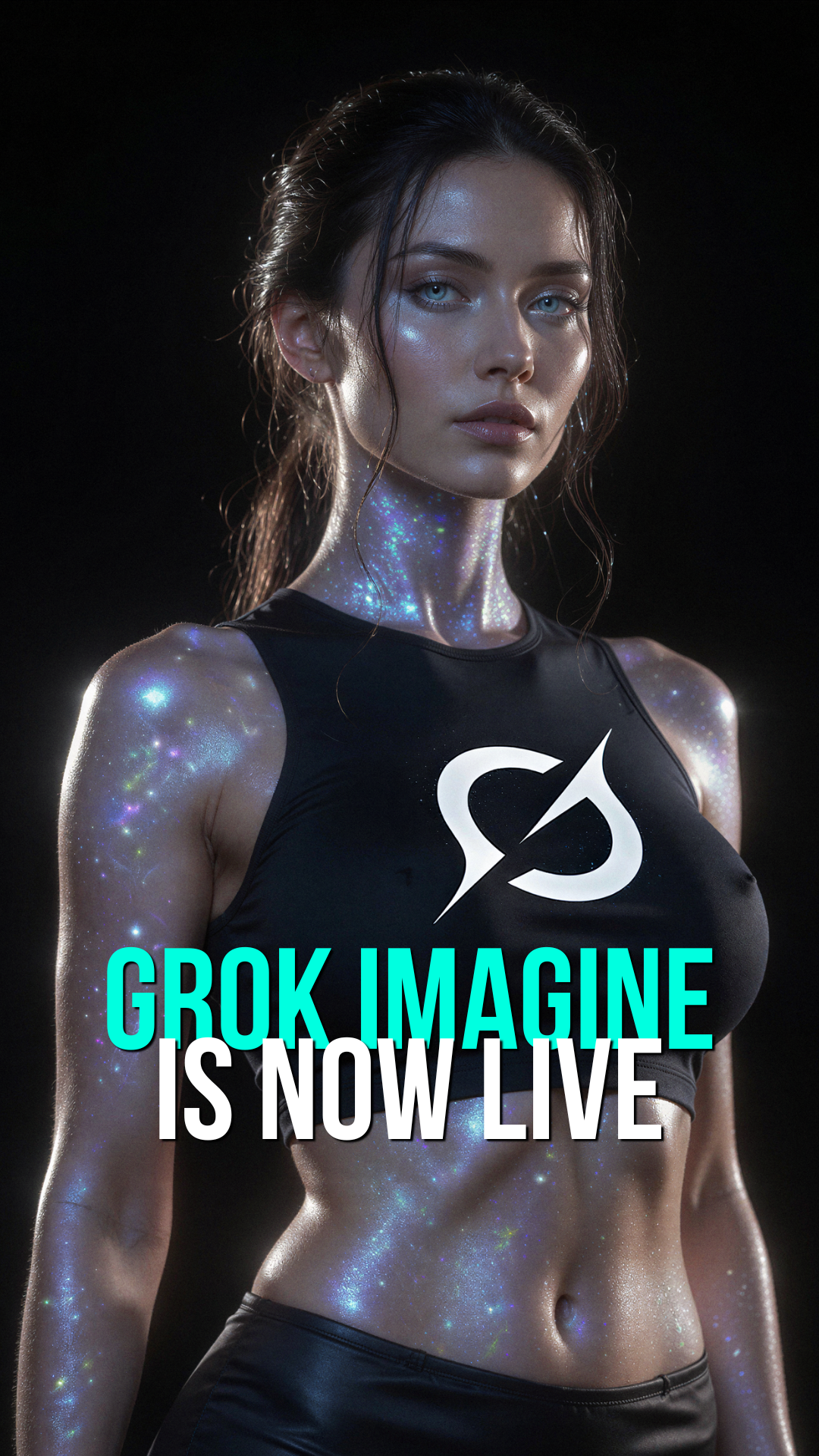
Grok Imagine, xAI's image generator, is now live on Lovescape. A completely new image engine. No setup, just create.
No list this week. One update, and it is a big one.
Grok Imagine, xAI's image generator, is now on Lovescape. It is a completely new image engine, different from anything we have offered before. Open it and create.
What is Grok Imagine Grok Imagine is xAI's image generation model. Bringing it to Lovescape means a new engine sitting alongside what you already use, with its own style, its own strengths, and its own look.
- A new image engine. Not a tweak to an existing model. A different generator with a different character to its output.
- Different style, different results. Grok Imagine renders things its own way. If you have a vibe that the other models never quite nailed, this gives you a new shot at it.
- Safety built-in: Our moderation system scans all prompts before generation to ensure compliance with our content policies.
Why this matters More than one image engine means more than one way to land the image you have in mind. Different models are good at different things, and having Grok Imagine in the mix gives you another tool with its own feel.
The best way to understand the difference is to run the same idea through it. Take a prompt you have generated before on another model and try it on Grok Imagine. The contrast in style and output is the fastest way to see what it brings.
How to try it It is live right now. No opt-in, no waitlist.
- Open the image generator
- Pick Grok Imagine from the model selector
- Write your prompt (remember: prompts must comply with our content policies)
- Generate and create
Run a prompt you know well and compare. Then push it somewhere new within our community guidelines.
Reminder: All content must be generated natively within Lovescape—external uploads are not supported.
Everything is live Grok Imagine is available to everyone on Lovescape today.
Try it and show us what you make within our creative boundaries.
Start creating on Lovescape!